Creating Visual Aids
Discover how to design slides, charts, and visuals that support your message without distracting your audience.
This section covers layout, color, imagery, and how to use visuals to make complex ideas easier to understand.
Keep Slides Simple

Use minimal text and clean layouts. Simple slides make it easier for the audience to follow your ideas and remember your points.
Use High-Quality Images

Select visuals that reinforce your message. Good images add meaning without cluttering the slide.
Choose Readable Fonts
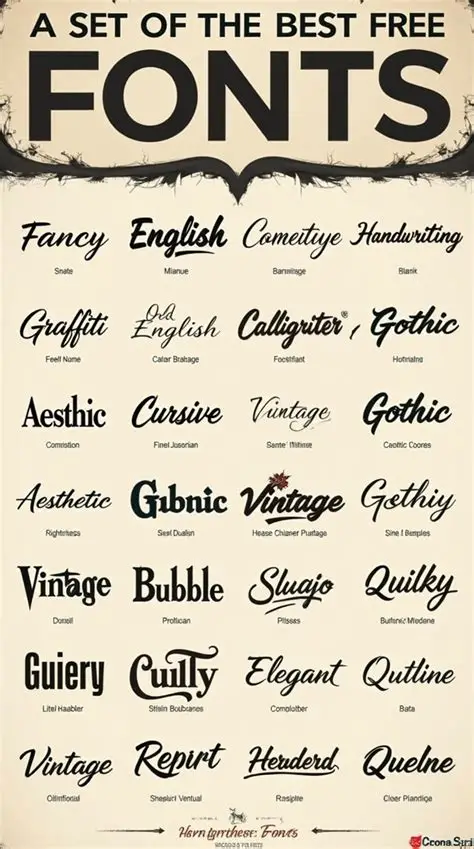
Pick clear, legible text and keep font sizes large enough to read from the back of the room. Avoid decorative fonts that reduce clarity.
Match Your Message

Make sure each visual supports what you are saying. Every chart, image, or icon should reinforce the point you want the audience to remember.